What’s new in NOSA Desk 2.34.70?
Get to your first task or deadline with a source sooner. Desk answers questions about quotes directly on this computer.
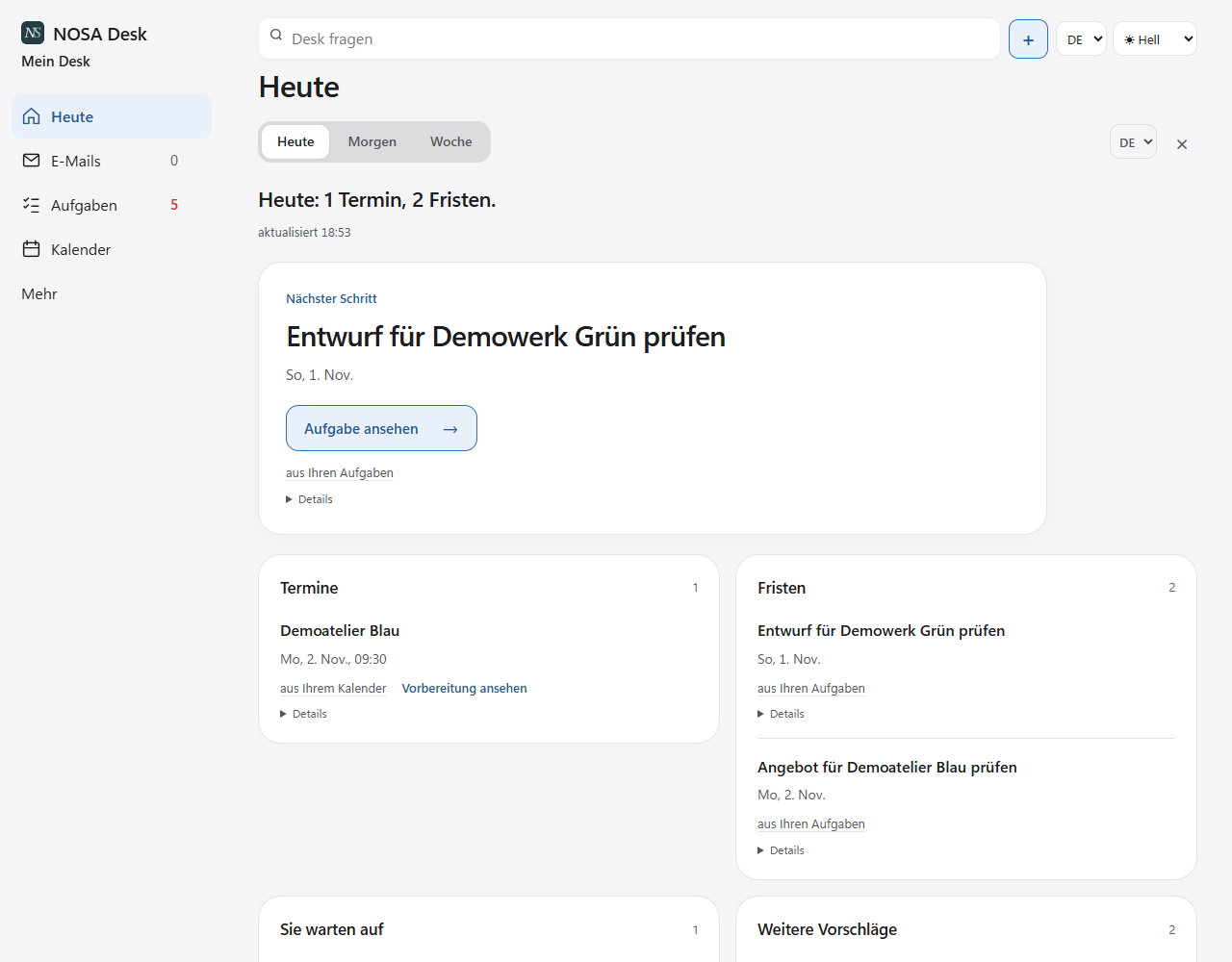
What’s changed
Find your first task or deadline
Choose a source. If Desk finds a task or deadline, you can open the original directly. We guide you through setup in German, English, French, Italian and Spanish.
See when your trial ends
You can see your last trial day under “Licence & subscription”. After that, you can still read your last saved Desk. You can open originals as long as their location is available.
Ask about quotes without AI
Try asking “When does quote 1042 expire?”. Desk looks for the answer on this computer and shows you the source. If the dates disagree, you can see the relevant passages.
Keep your task view
Choose List, Board or Timeline. We remember your choice for this Desk, so it’s there when you restart.
Calendar and Outlook
We show recurring and multi-day events more accurately, including when the clocks change. When you switch from the mailbox dialog to Outlook, you can choose a folder right away.
Check Swiss date wording in drafts
When we check your draft, we distinguish a deadline from a fixed date. “Bis am 6. November” means by 6 November. “Per 6. November” refers to a fixed date.